
Your client edits it themselves


1·Tap any text to edit 2·Change the price 3·Publish. Undo any time 4·Live on the site
Every client gets a Neural Draft workspace with its own database: hosting, an editable CMS, blog, bookings, forms, newsletter and shop. Build in Claude Code, Cursor or Codex, deploy in one step, and your client changes the words and pictures in the web editor or by asking Claude or ChatGPT.
<!-- Your build. Mark what the client may change. -->
<h1 data-translate="hero.title">Fresh bread every morning</h1>
<p><nd-text key="hours">Mon–Sat 7:00–15:00</nd-text></p>
<img data-image-key="hero" src="/img/hero.jpg" alt="Our bakery">

<!-- Ready-made blocks, styled with your CSS variables -->
<nd-booking service="sourdough-workshop"></nd-booking>
<nd-form id="contact"></nd-form>
<script src="/_nd/nd.js" defer></script>Works where you already build
Three ways to build
All three write to the same workspace, so you can mix them: build in your editor, let the client edit in chat, keep a site you host yourself on the same backend.
1. In your code editor
Developer MCP
Claude Code, Cursor, Codex, VS Code
Add @neuraldraft/mcp with the workspace’s API key. Your coding assistant reads the brand, creates pages with SEO meta, registers editable content keys and components, sets up bookings and writes blog drafts while it builds.
2. In a chat
Hosted connector
Claude, ChatGPT, Codex, Claude Code
Add one URL and sign in, no API key. Deploy your build with deploy_site or have the assistant publish pages, connect a domain, edit texts, take bookings, write the blog and schedule social posts. Clients use the same connector for their own workspace.
3. On your own hosting
Headless API and embeds
Vercel, WordPress, Webflow, any server
Keep your hosting. Read and write content, pages, blog posts, bookings, products and orders over the REST API or the TypeScript SDK, and drop the same booking, form, newsletter and shop blocks into any page with nd.js.
Then hand it over
Everything you marked editable can be changed in the web editor, even on a phone: words, prices and pictures. Every publish can be undone, and your layout stays yours. Real screenshots; Linden Bakery is a demo business.
1·Tap any text to edit 2·Change the price 3·Publish. Undo any time 4·Live on the site
What every client site gets
Each client is a separate tenant with its own Postgres database, API keys and team. A key or a chat connection only reaches the workspace it belongs to.
Hosted deploys
deploy_site sends your dist/ folder (or a zip of it), asks you to confirm and puts it live on <client>.neuraldraft.io with screenshots. Small changes go as find-and-replace edits. Every deploy is a version you can roll back.
Custom domains, automatic HTTPS
connect_custom_domain returns two DNS records: a CNAME to point the domain at the site and a TXT record that proves it is yours. Once they check out, HTTPS is issued automatically. Own domains are on Solo, Studio and agency plans.
Clients edit without you
Texts and pictures you mark editable show up in Website → Edit site, a visual editor with drafts, publish and undo. Or the client asks Claude or ChatGPT: “change our opening hours to 6–14”. Changes are live at once, without a redeploy, and your next deploy never overwrites them.
Ready-made blocks
Booking calendar, contact and custom forms, newsletter sign-up, blog feed, shop and product, language switcher. Theme them with CSS variables or style them yourself. On a site hosted elsewhere, allow its address and load nd.js from the workspace.
Languages
Translate the site and the blog per language; pages are served per language with a switcher block. 2 languages on Free, 6 on Solo, 20 on Studio.
Shop and payments
Products, basket and checkout with pay on pickup, bank transfer or an order request. For card payments the client connects Stripe from Shop → Payouts.
Get the API key from the client’s dashboard (Settings → API keys). Each key reaches one workspace. Agencies put every client’s key in one server and switch between them.
Claude Code, one command
claude mcp add neuraldraft \
  -e NEURALDRAFT_API_KEY=ndsk_live_… \
  -- npx -y @neuraldraft/mcp
One client · .mcp.json or ~/.cursor/mcp.json
{
  "mcpServers": {
    "neuraldraft": {
      "command": "npx",
      "args": ["-y", "@neuraldraft/mcp"],
      "env": { "NEURALDRAFT_API_KEY": "ndsk_live_…" }
    }
  }
}
Several clients in one server
{
  "mcpServers": {
    "neuraldraft": {
      "command": "npx",
      "args": ["-y", "@neuraldraft/mcp"],
      "env": {
        "NEURALDRAFT_API_KEYS": "linden-bakery=ndsk_live_…,villa-lavanda=ndsk_live_…",
        "NEURALDRAFT_WORKSPACE": "linden-bakery"
      }
    }
  }
}
Codex · ~/.codex/config.toml
[mcp_servers.neuraldraft]
command = "npx"
args = ["-y", "@neuraldraft/mcp"]
env = { NEURALDRAFT_API_KEY = "ndsk_live_…" }
Hosted connector
The hosted connector is one URL for Claude, ChatGPT, Codex, Claude Code, Cursor and VS Code. You sign in with Google or an emailed code, no API key. It is where deploys, pages, domains, text edits, bookings, the blog and social scheduling happen in conversation.
Claude Code
claude mcp add --transport http neuraldraft https://neuraldraft.io/mcpCodex
codex mcp add neuraldraft --url https://neuraldraft.io/mcp
codex mcp login neuraldraft
Claude and ChatGPT
Claude: Customize → Connectors → Add custom connector. ChatGPT: Settings → Apps → Add custom MCP server. Paste https://neuraldraft.io/mcp and sign in.
REST API and SDK
Base URL https://api.neuraldraft.io/v1, a Bearer key per workspace, server-side only. Content, pages, blog posts, bookings, forms, products, orders, social posts and webhooks.
TypeScript · npm i @neuraldraft/sdk
import { NeuralDraftClient, NeuralDraftWorkspaces } from "@neuraldraft/sdk";

const nd = new NeuralDraftClient({ apiKey: process.env.NEURALDRAFT_API_KEY! });

// The editable texts of the client's site
await nd.siteTexts.update({ texts: { hours: "Mon–Sat 6:00–14:00" } });
const upcoming = await nd.bookings.list();

// Agencies: NEURALDRAFT_API_KEYS="linden-bakery=ndsk_live_…,villa-lavanda=ndsk_live_…"
const clients = NeuralDraftWorkspaces.fromEnv();
for (const name of clients.names()) {
  const forms = await clients.get(name).forms.listSubmissions();
}
curl
# Read texts for a page you render yourself
curl "https://api.neuraldraft.io/v1/content/bulk?keys=hero.title,hours&lang=en" \
  -H "Authorization: Bearer $NEURALDRAFT_API_KEY"

# Change one (free: non-AI writes cost no credits)
curl -X PUT "https://api.neuraldraft.io/v1/content/hours" \
  -H "Authorization: Bearer $NEURALDRAFT_API_KEY" \
  -H "Content-Type: application/json" \
  -d '{"value": "Mon–Sat 6:00–14:00", "lang": "en"}'

# Let a site hosted elsewhere use the nd.js blocks
curl -X PATCH "https://api.neuraldraft.io/v1/projects/me" \
  -H "Authorization: Bearer $NEURALDRAFT_API_KEY" \
  -H "Content-Type: application/json" \
  -d '{"allowed_origins": ["https://www.lindenbakery.co.uk"]}'
On a site hosted elsewhere, load the blocks from the workspace address: <script src="https://linden-bakery.neuraldraft.io/_nd/nd.js" defer></script>. The workspace address, its custom domains and the website saved on the workspace are always allowed.
Agencies
An agency account adds a dashboard over all your client workspaces. Agency plans are quoted per agency, from $190 a month plus $49 per client site.
Pricing in credits
Credits are only spent when our own pipeline does the work. Hosting, deploys, pages, content and image writes through the API or MCP, forms, bookings, the shop, scheduling and publishing, and anything your own AI writes cost nothing; plan limits apply instead.
We don’t offer AI image or video creation. We craft finished static ads and reels for your brand.
| What costs credits | Credits |
|---|---|
| Blog post, researched and written by our pipeline | 60 |
| Translation, per language | 10 |
| Static ad, crafted by Batchcraft | 50 |
| Reel, crafted by Batchcraft | 500 |
| App Capture (screens and video of your web app) | 200 |
| Everything else | 0 |
| Limit | Free | Solo | Studio |
|---|---|---|---|
| Price | Free | $49/mo | $149/mo |
| REST API, SDK and MCP | Included | Included | Included |
| Credits (1 credit = $0.01: ads, reels, AI writing, translations) | 400 to start | 3,000 a month | 10,000 a month |
| Site pages | 5 | 25 | 100 |
| Deploy size (deploy_site) | 5 MB | 25 MB | 100 MB |
| Files per deploy | 150 | 500 | 2,000 |
| Versions kept for rollback | 10 | 30 | 50 |
| Forms | 3 | 20 | 100 |
| Site languages | 2 | 6 | 20 |
| Your own domain | yourname.neuraldraft.io | Yes | Yes |
Credits stop at zero; there are no overage charges. Hosting, forms, bookings, scheduling and publishing use no credits.
Sites we run on Neural Draft
Click any of these — same Neural Draft API + MCP server behind all eight. Five sites we build and run on Neural Draft (our own products and client projects we manage), plus three demos built in Claude Code in a day.
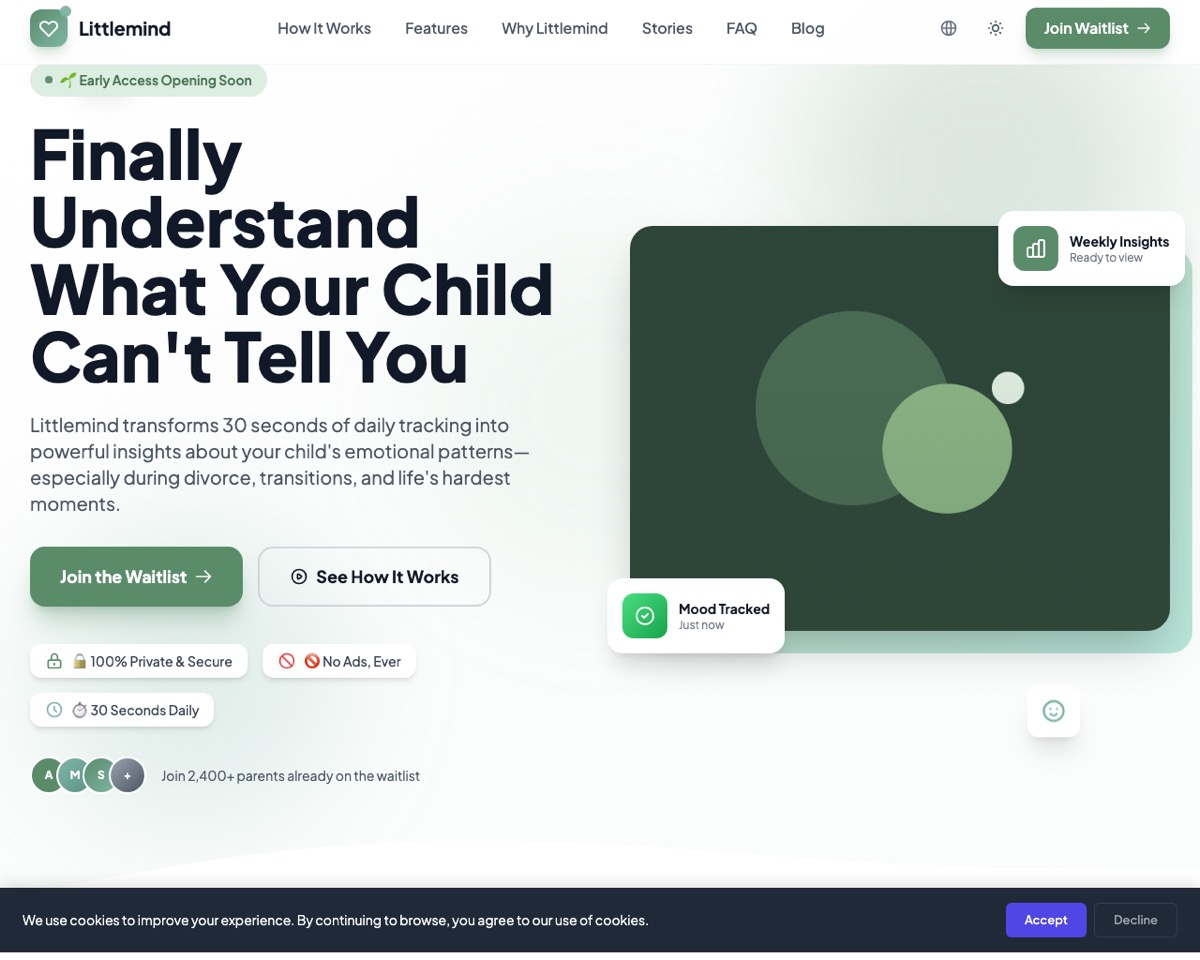 AI / Wellness
AI-powered child mood tracking — 30s of daily observation becomes emotional insights for parents during divorce and life transitions.
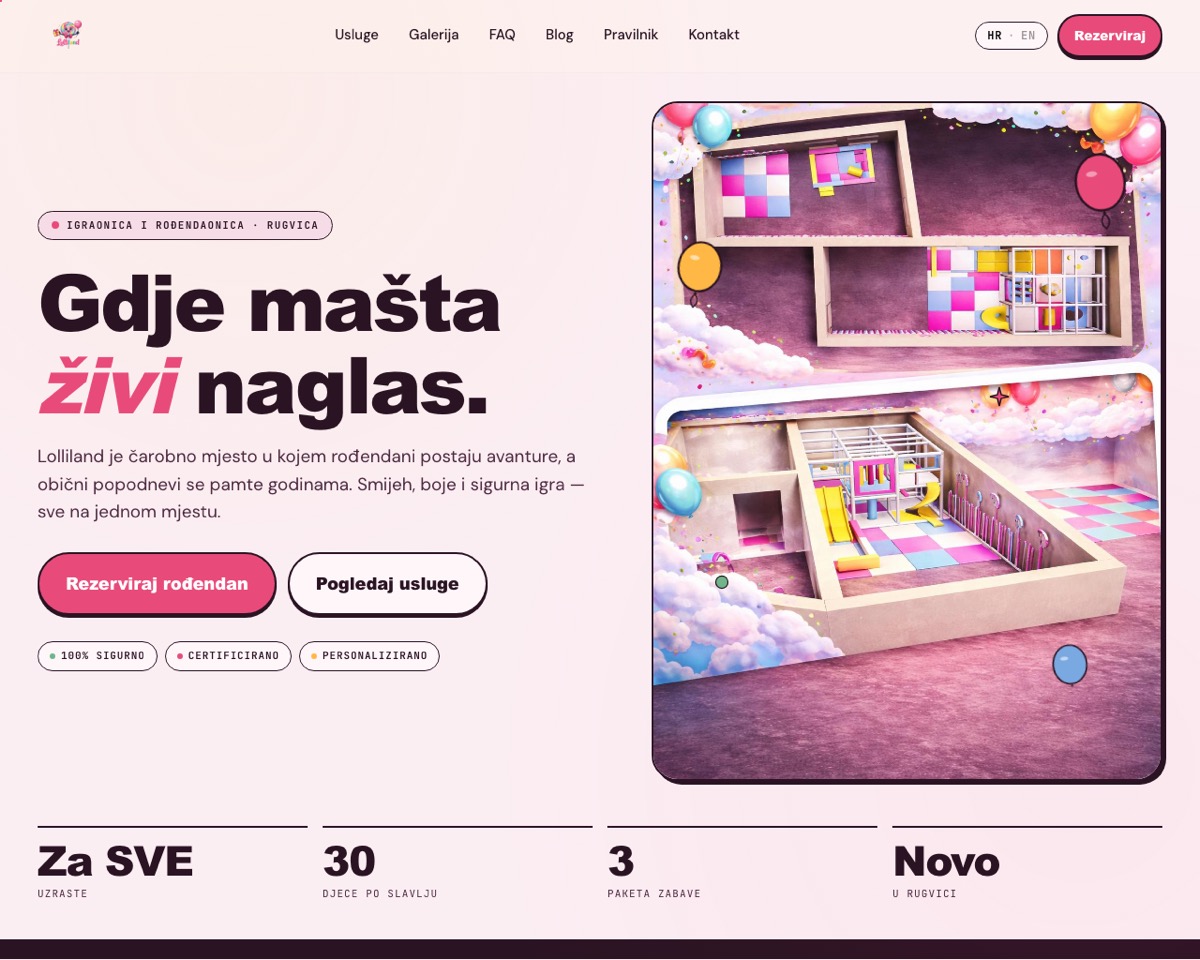 Hospitality
Children's indoor playground & birthday-party venue in Rugvica, Croatia. Multilingual site with bookings.
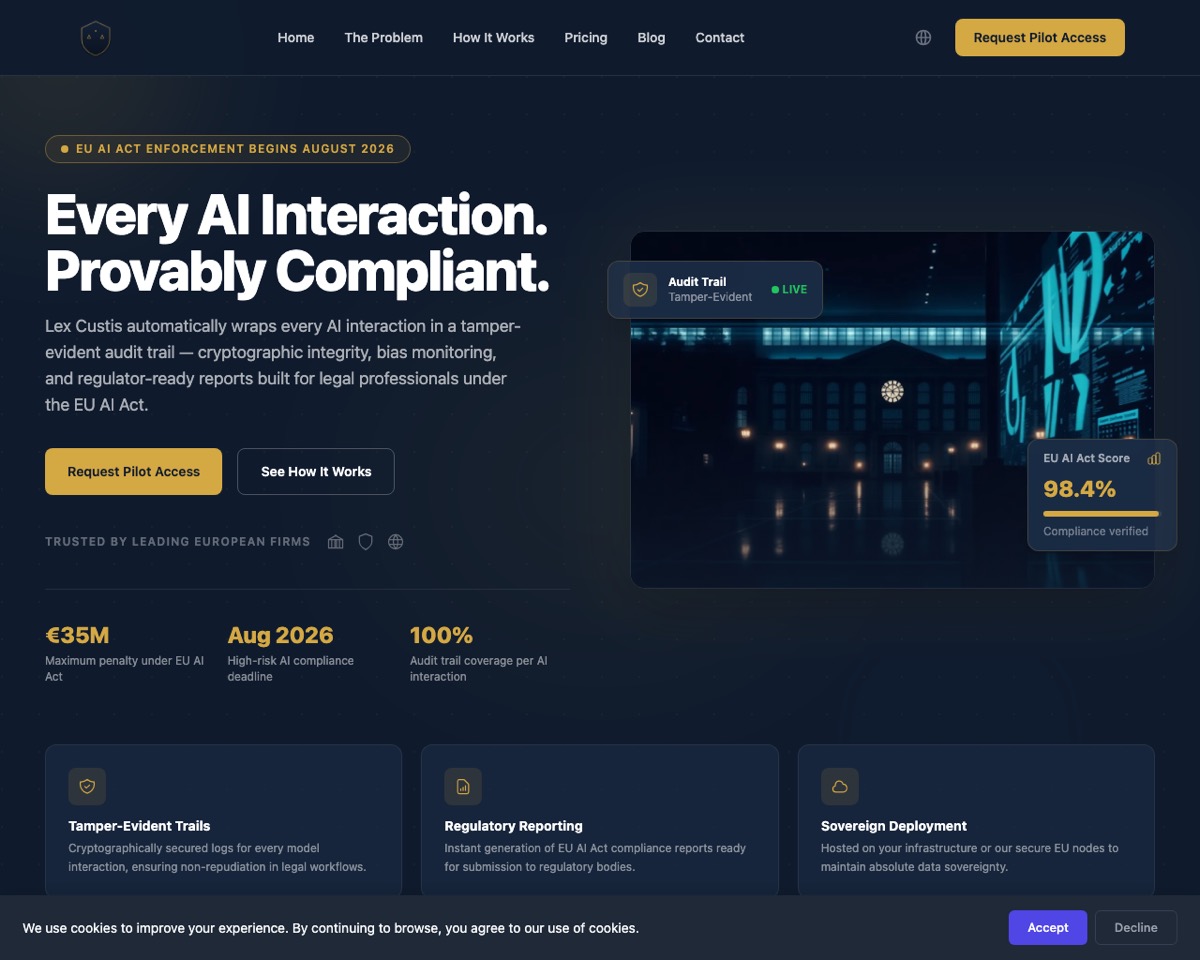 LegalTech
EU AI Act compliance platform for law firms — tamper-evident audit trails and regulator-ready reports.
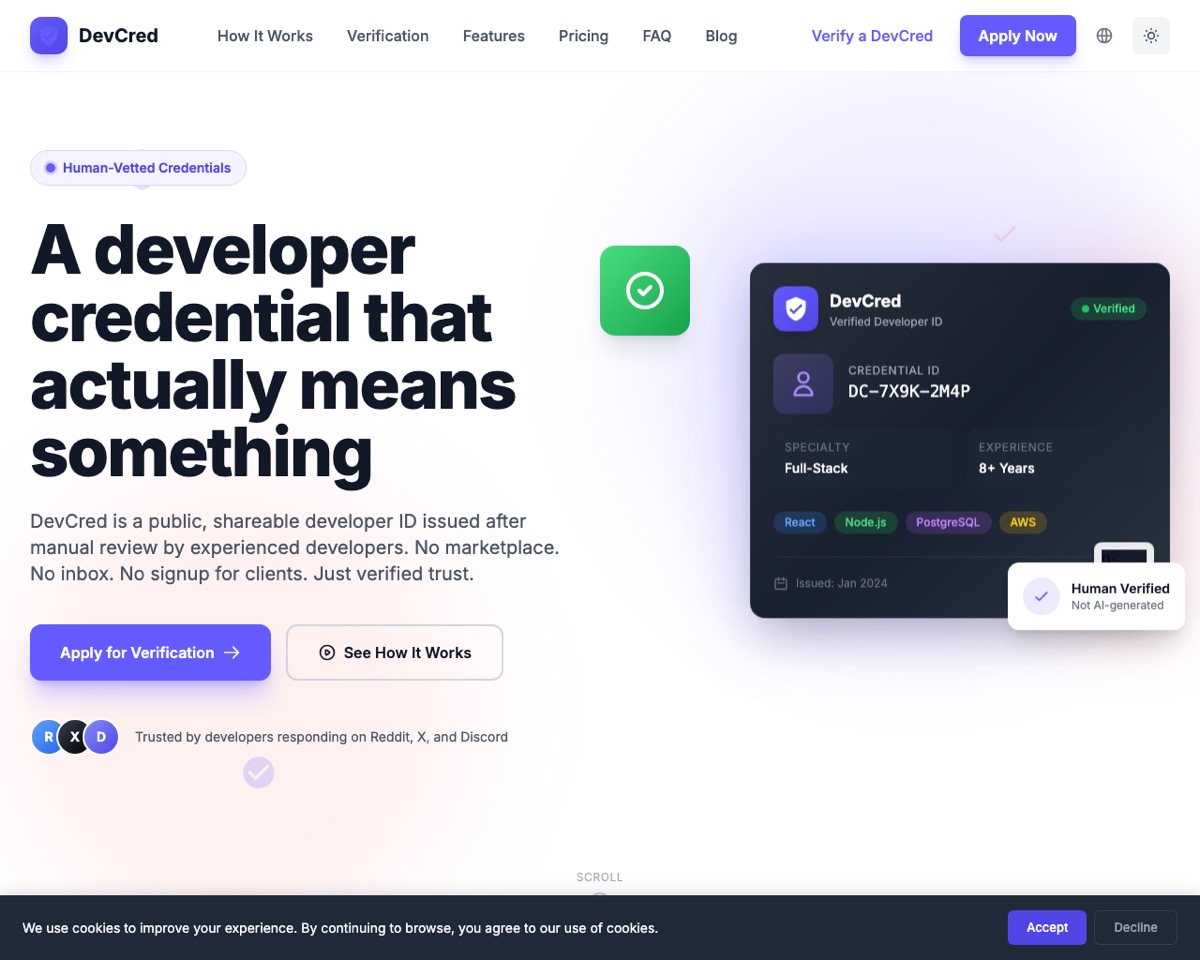 Developer ID
Human-vetted developer credentials — a publicly shareable ID that proves a developer is real.
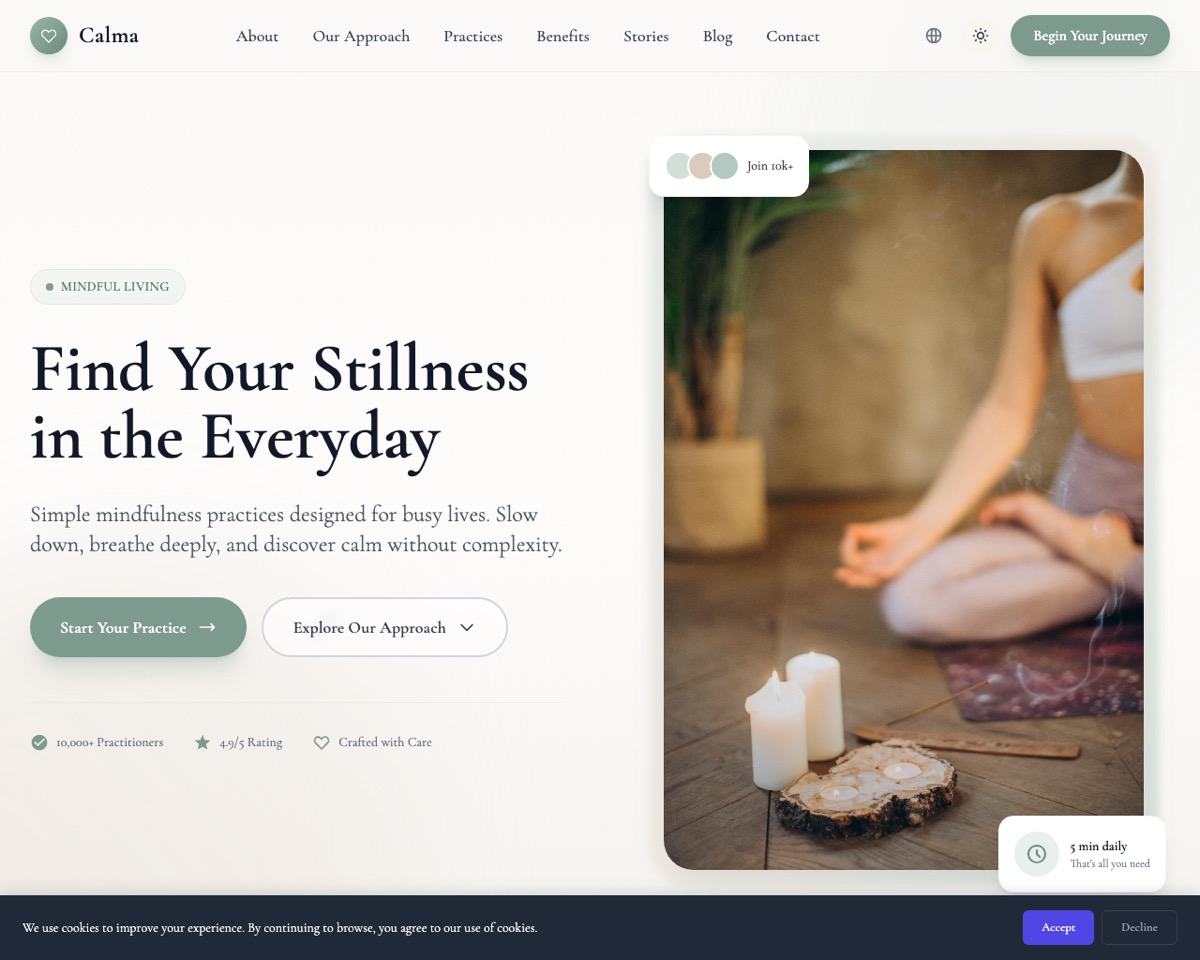 Wellness
Mindfulness platform with simple meditation and breathing practices for busy professionals.
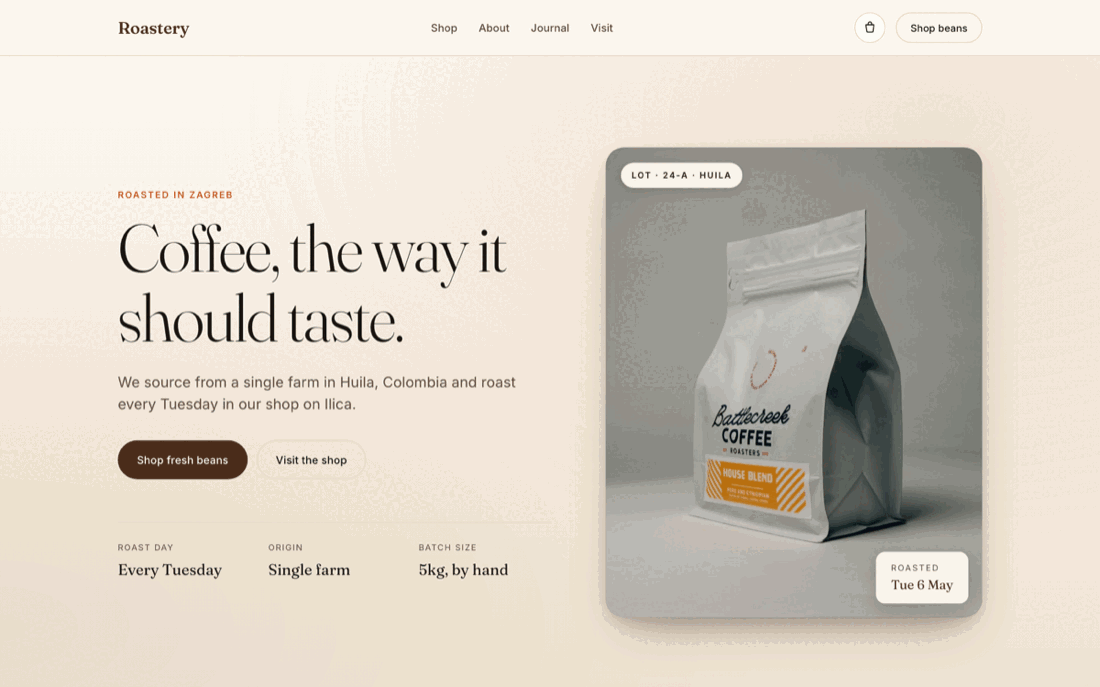 Demo · E-commerce
Coffee shop demo — real product catalog, cart, Stripe Connect checkout. Brand colours, blog, contact form, all from the v1 API.
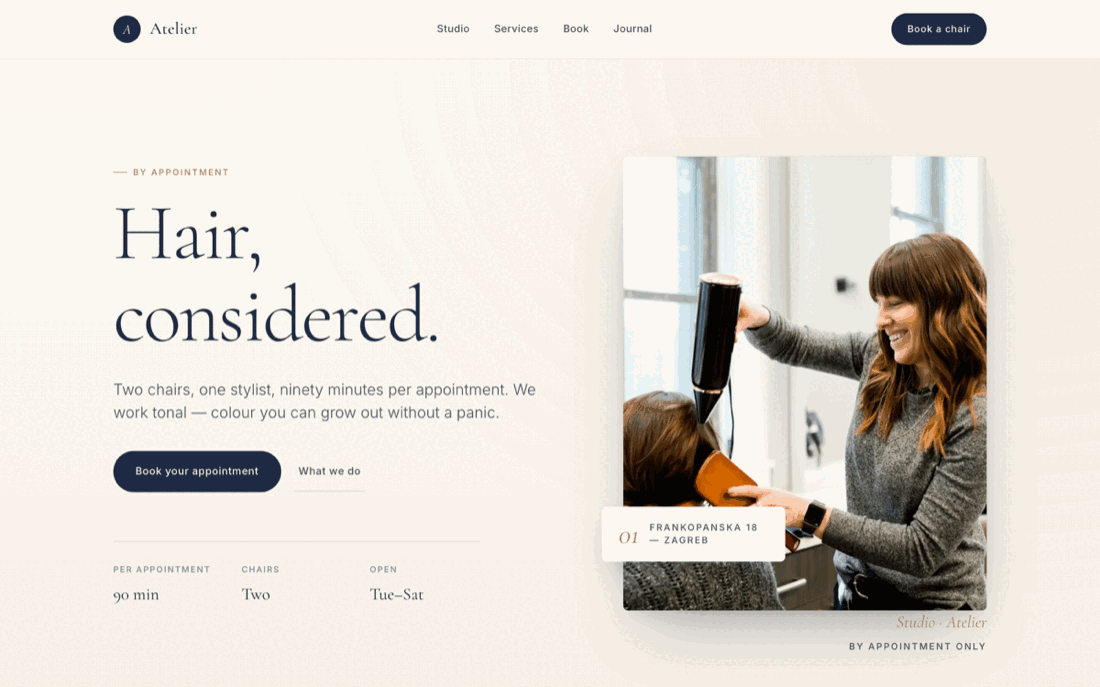 Demo · Booking
Hair-styling studio demo — real bookable-services calendar. Pick a date, see open slots, confirm via public booking endpoints.
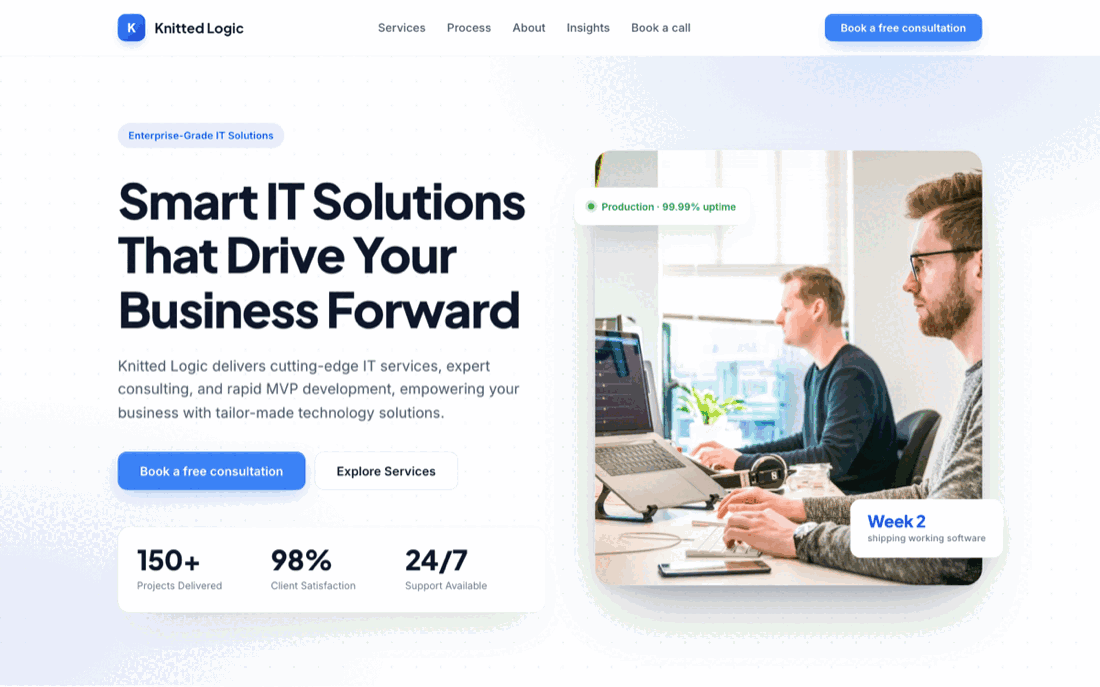 Demo · Consulting
My own IT consulting site, rebuilt on Neural Draft in a day. Booking widget for strategy calls, SEO blog, contact form.
Start on Free with a workspace, an address on neuraldraft.io and an API key. Upgrade when the client needs their own domain.
Not a developer? Add Neural Draft to your AI assistant and it builds the site for you.