No website yet? Your AI assistant designs it and we host it. Built one yourself? Deploy it here in one step. Already have a site? Add a blog that matches it. Bookings, forms, newsletter and a blog work from day one.
Free to start. Works in Claude, ChatGPT and Codex.
Three ways
Pick the path that fits.
A
No website yet?
Ask your AI assistant. We host it.
Tell Claude, ChatGPT and Codex about your business. It designs the pages in your brand, and Neural Draft hosts them with bookings, forms, a blog and a newsletter. No code, nothing to install.
1
Add Neural Draft to your assistant
One link in Claude, ChatGPT and Codex. Sign in with Google or an emailed code; your free workspace is ready.
2
Ask for your site
Pages, booking, contact form and blog go live on yourname.neuraldraft.io. Ask for changes the same way.
3
Make it yours
Edit texts and images in the admin, roll back any page, and connect your own domain on Solo or Studio.
Try asking
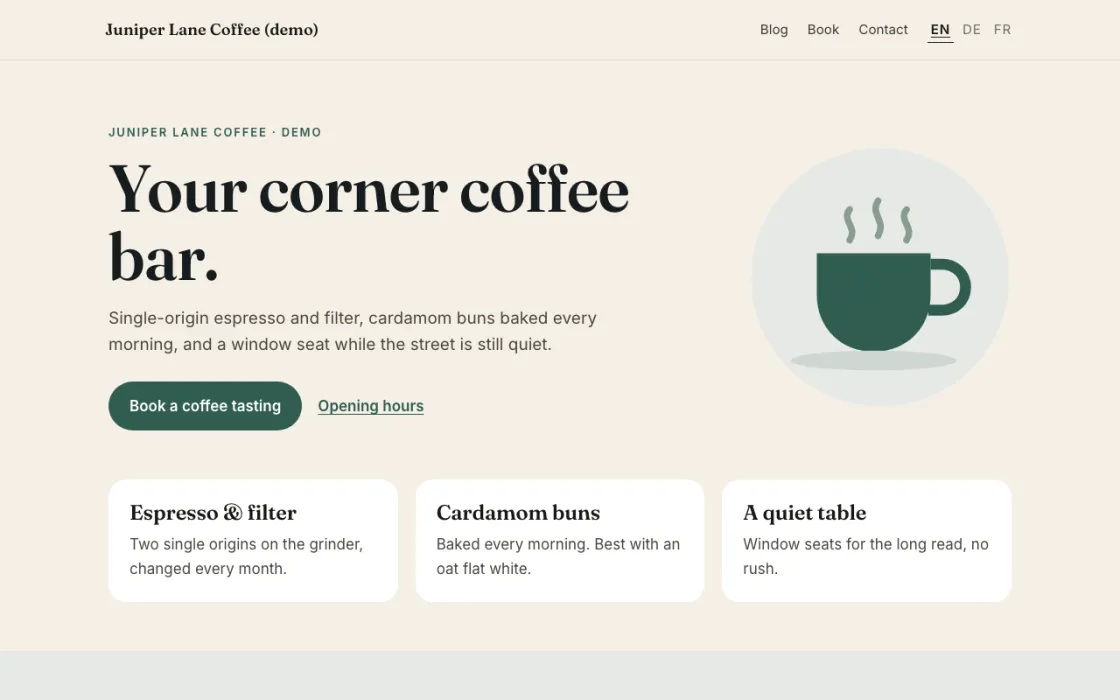
“Make a website for Juniper Lane Coffee: a home page, our menu, a page to book a coffee tasting and a contact form. Use the colours and fonts from our logo.”
Designed in chat, hosted by Neural Draft.
See it live
B
Built it yourself?
Deploy it to Neural Draft in one step.
You built a site or app with Claude Code, Codex, Cursor, Lovable, Bolt or by hand. Your coding assistant sends the build to Neural Draft with deploy_site, and it’s live. Then add bookings, forms, a blog feed and a newsletter with drop-in components.
1
Connect your coding assistant
One command for Claude Code, Codex, Cursor or VS Code. Lovable or Bolt project? Download it and open it in one of those.
2
Deploy your build
Your assistant sends the dist/ folder (or a zip of it) with deploy_site. It asks you to confirm, then the site is live on yourname.neuraldraft.io.
3
Add features, keep control
Drop in nd.js components for bookings, forms and the blog. Every deploy is a version you can roll back, and your own domain works on Solo or Studio.
Try asking
“Run the build, then deploy the dist folder to Neural Draft with deploy_site. Put an <nd-form> contact form on /contact and our booking widget on /book.”
Served by your site at /_nd/nd.js. Bookings, form messages and subscribers land in your Neural Draft admin.
C
Already have a site?
Get a blog on blog.yourdomain.com that matches it.
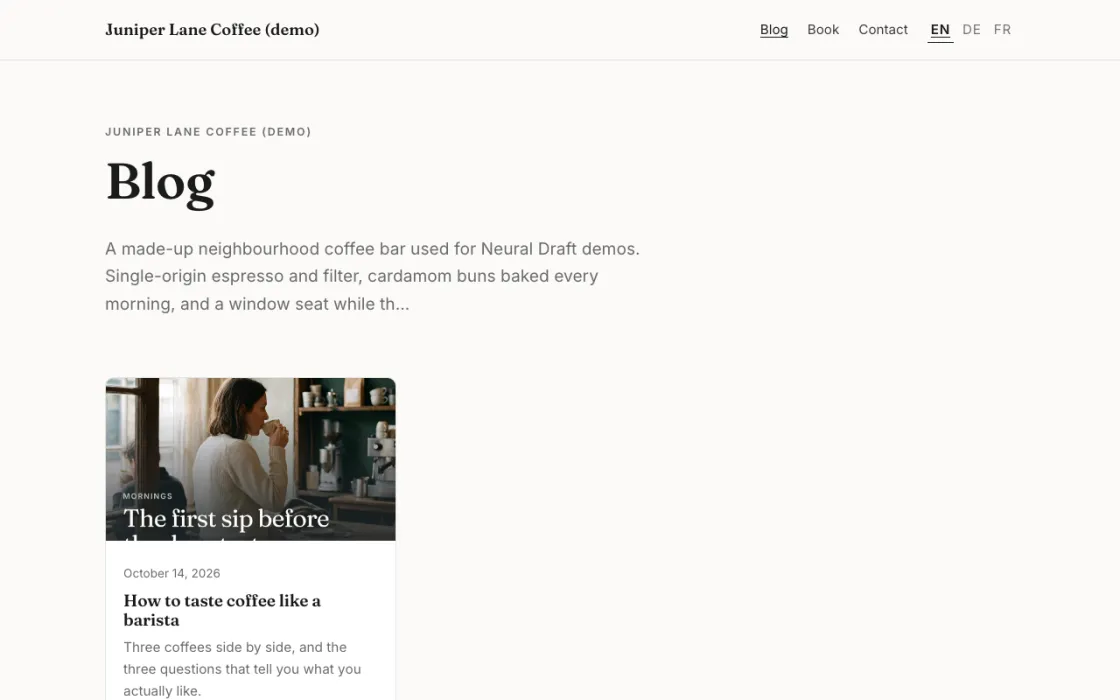
Keep your website where it is. Your assistant reads its logo, colours, fonts and menu, and Neural Draft hosts a blog that looks like the rest of your site.
1
Share your website address
Your assistant builds a matching blog theme and shows it next to your homepage.
2
Write and publish
Posts in your brand voice, in the languages your customers read, shared to Facebook with a tracked link.
3
Point blog.yourdomain.com at it
Add the DNS record your assistant gives you. HTTPS is automatic (Solo or Studio).
Try asking
“I already have a website at example.com. Set up a blog on blog.example.com that looks like it, in English and German.”
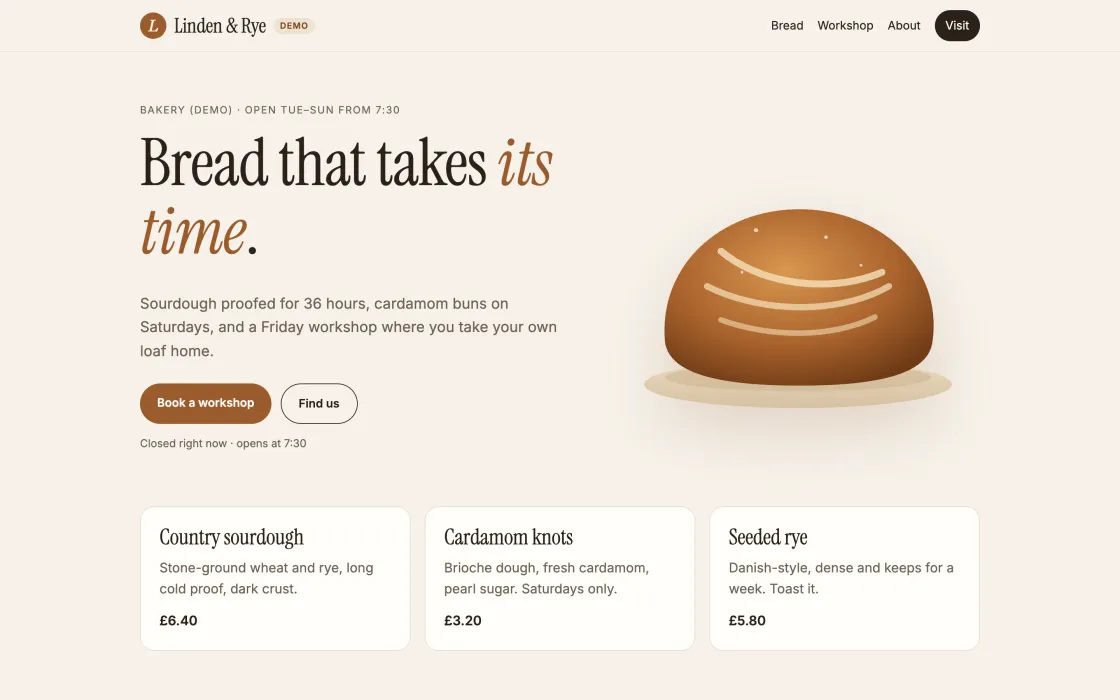
A hosted blog styled like the site around it.
See it live
Every path is hosted on yourname.neuraldraft.io with HTTPS, on every plan. Your own domain and no “Built with Neural Draft” badge come with Solo and Studio.
On every site
Free address, or your own domain
Every site gets yourname.neuraldraft.io with HTTPS. On Solo ($49/month) and Studio you connect your own domain.
Versions and rollback
Every page change and every deploy is kept as a version. Put an earlier one back in one step.
Edit it yourself too
Texts, images, blog posts and bookings are editable in the Neural Draft admin. No code needed.
Forms and newsletter built in
Contact enquiries and newsletter sign-ups land in your admin, with an email for each new message.
Bookings
Customers book a time or a stay on your site; bookings land in the admin. On Solo ($49/month) and Studio.
Multilingual
Publish pages and posts in the languages your customers read.
The Free plan shows a small “Built with Neural Draft” badge. Solo and Studio remove it.
How you use it
Add Neural Draft to Claude, ChatGPT and Codex once, sign in with Google or an emailed code, and ask for what you need. Everything you make is also editable in the Neural Draft admin.